-

-
 Argentina (en)
-
 Australia (en)
-
 Belgien (de)
-
Belgique (fr)
-
België (en)
-
 Brasil (en)
-
 Canada (en)
-
Canada (fr)
-
 Česko (en)
-
 Chile (en)
-
 Danmark (en)
-
 Deutschland (de)
-
 España (en)
-
 France (fr)
-
 Hrvatska (en)
-
 Ireland (en)
-
 Italia (en)
-
 Magyarország (en)
-
 Nederland (en)
-
 Norge (en)
-
 Österreich (de)
-
 Polska (pl)
-
 Portugal (en)
-
 România (en)
-
 Schweiz (de)
-
 Slovenija (en)
-
 Slovensko (en)
-
 South Africa (en)
-
Srbija (en)
-
Suisse (fr)
-
 Suomi (en)
-
 Sverige (en)
-
Svizzera (en)
-
 United Kingdom (en)
-
 United States (en)
-
 Россия (en)
-
 Україна (en)
-
 日本 (en)
-

[Basics] Icon Overview
![[Basics] Icon Overview](/cms/uploads/news_62024cdad7a7f.jpg)
Welcome to the Farming Simulator Academy! Let's take a look at all the icons you may encounter in the game and what they mean. You can also download a printable overview sheet, if it helps you.
Crops & Greenery Icons
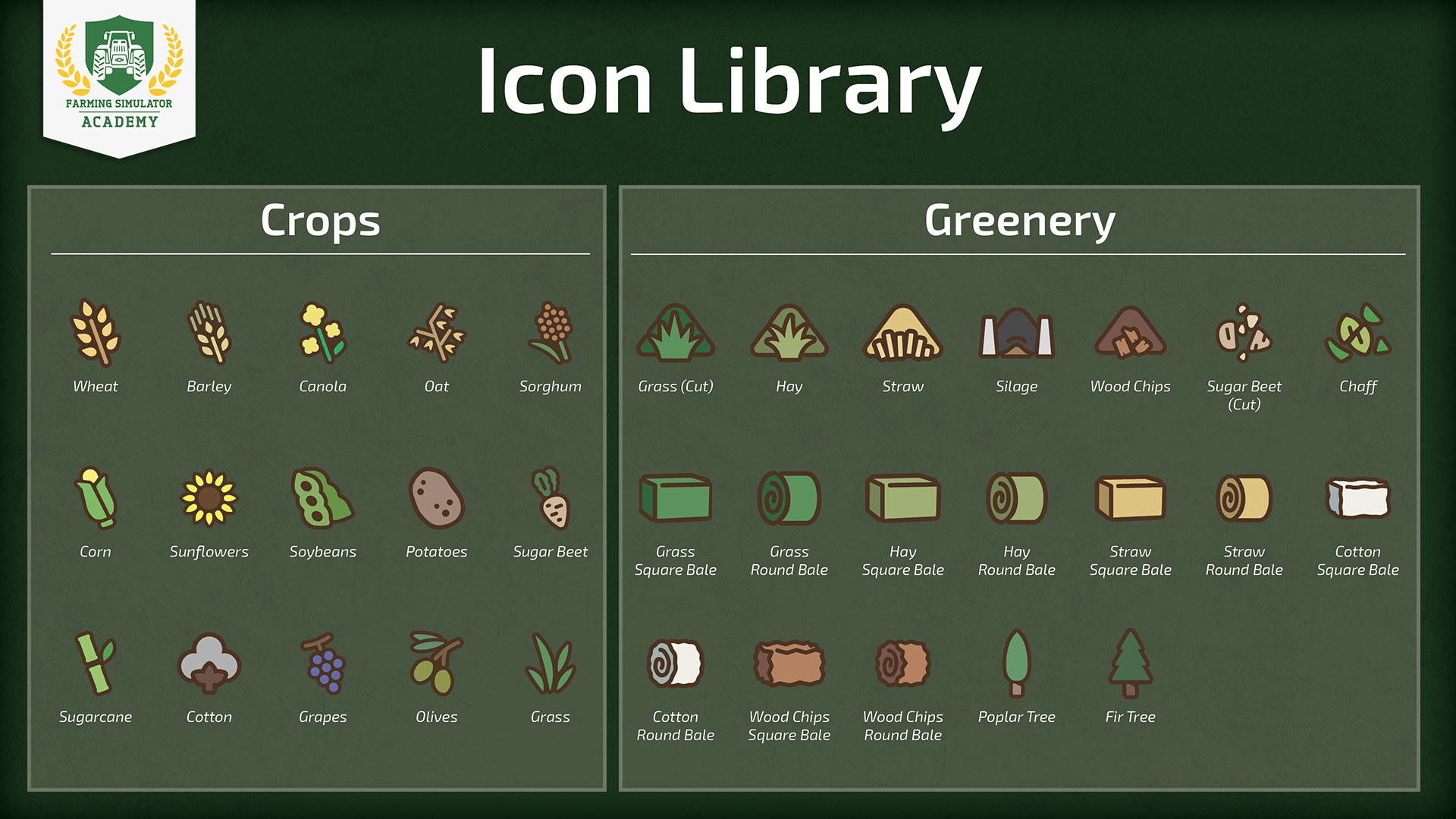
The icons for crops and greenery are basically everywhere to be found. They display if certain machines are designed to handle those crops, or where they are growing on the map.
For example, if you're shopping for a harvester and a fitting header, the respective crop icon needs to be displayed for both machines - indicating, that they are suited for this crop.
Yield Boost & Other Icons
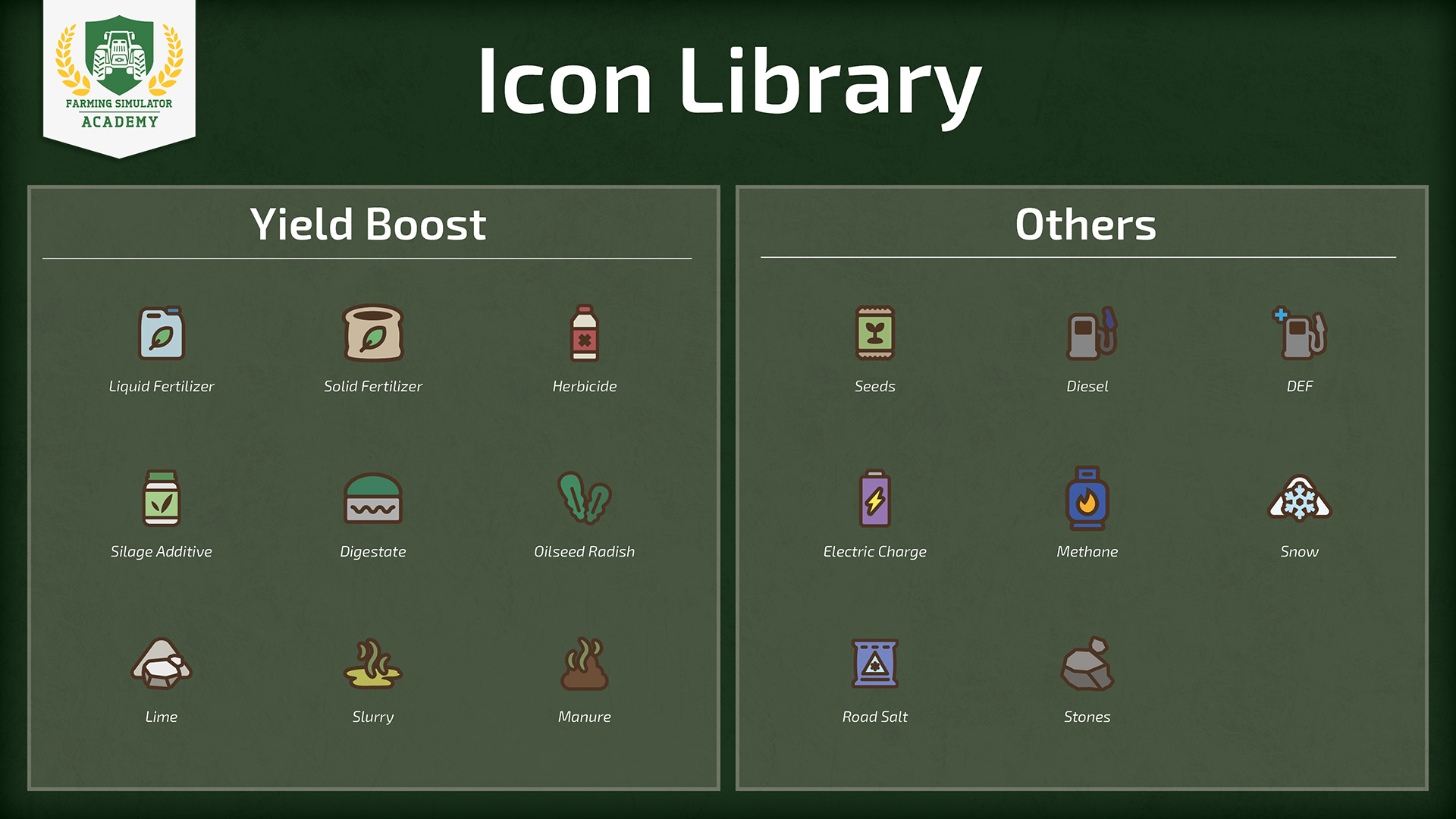
Icons like those for yield improvement are especially important when buying a fertilizer spreader, for example. They indicate, whether a spreader is able to handle solid or organic fertilizer. Some spreaders may also display the lime icon - so you can apply lime with those, too.
Shop Icons
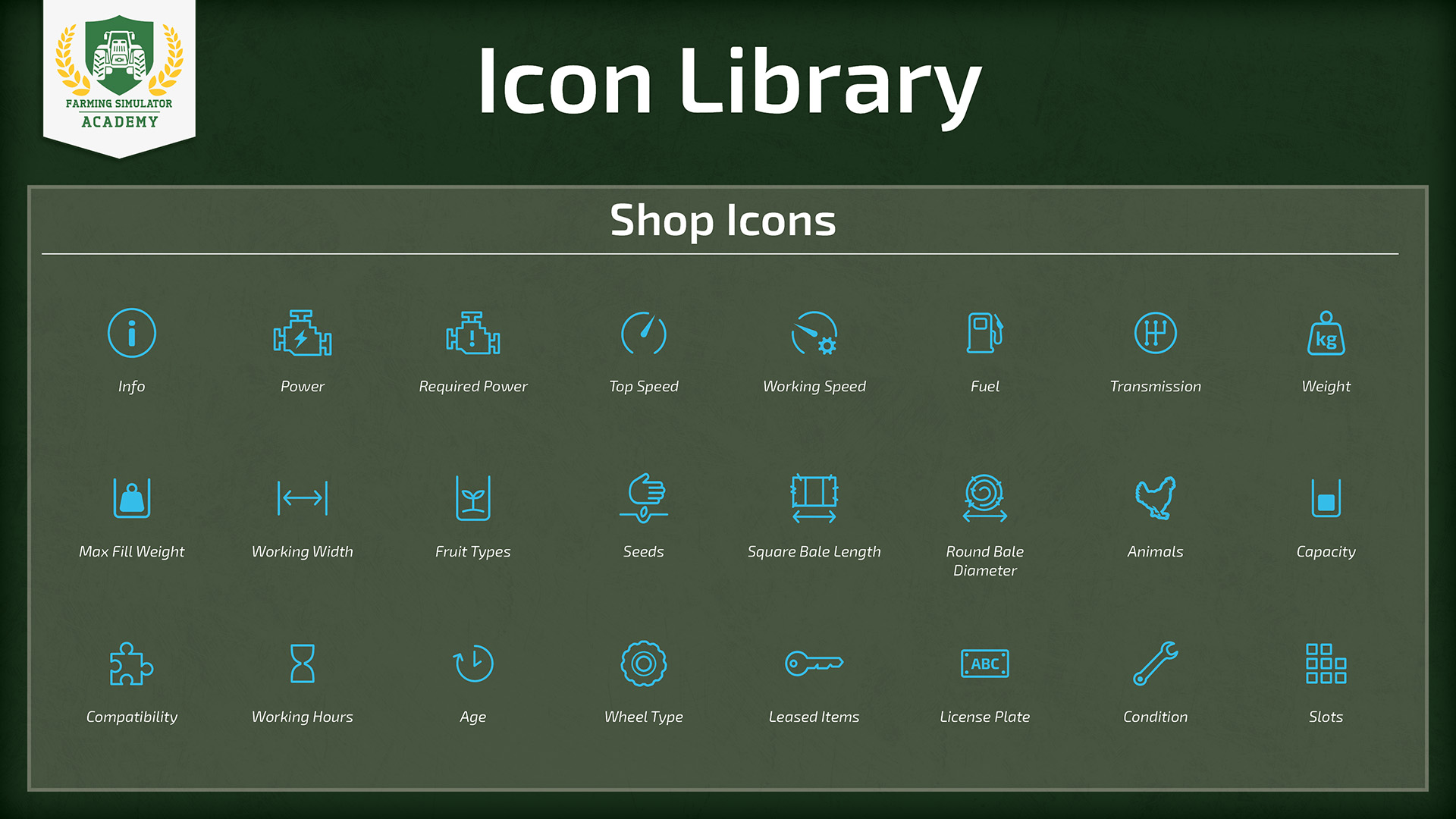
You should always pay attention to the icons displayed in the shop. When you're buying a tool to attach to the tractor, the required power is always important to keep in mind, for example.
Product Icons
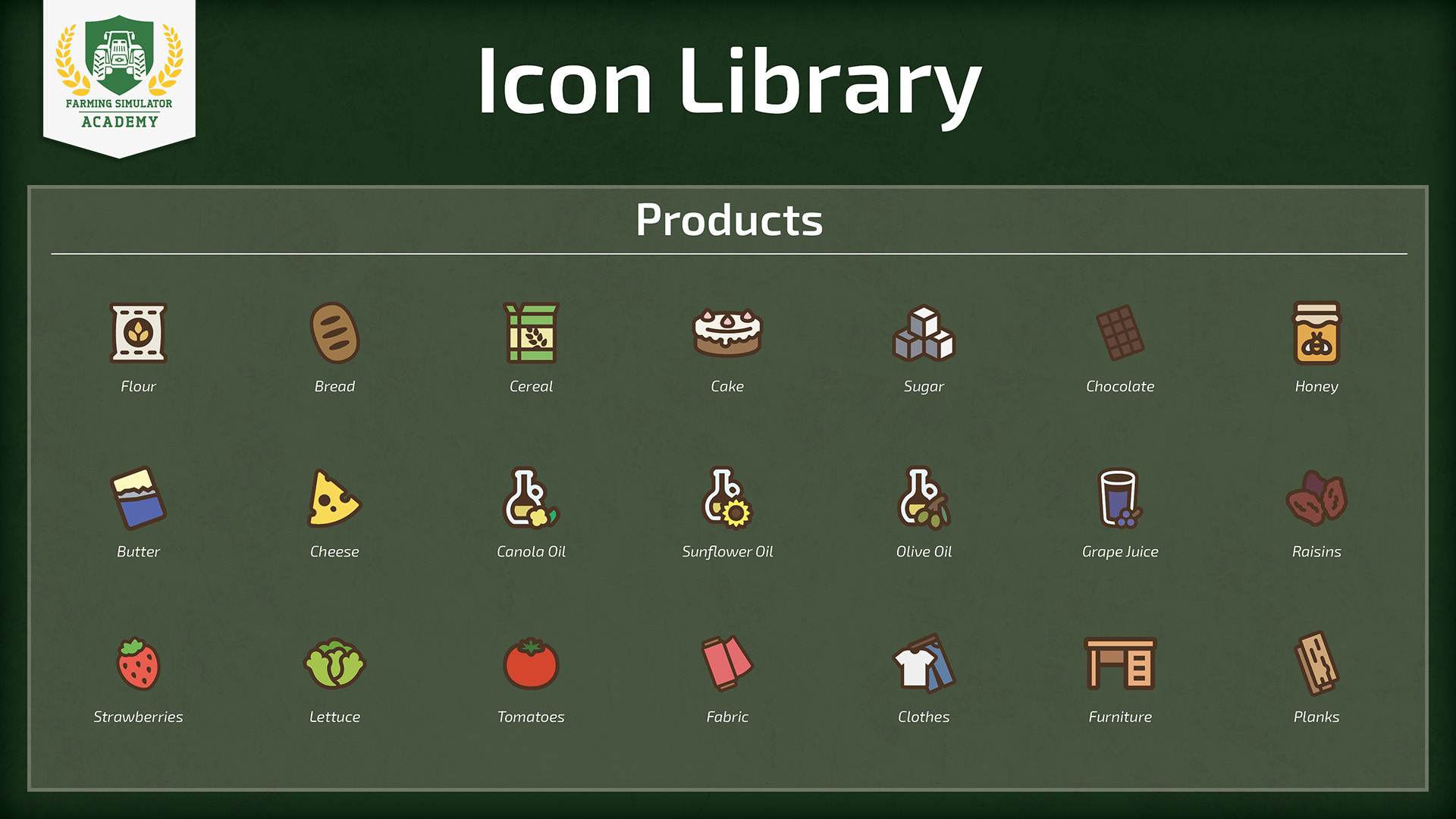
Product icons are related to production chains. There are factories in the game that can produce various goods, like bread or even furniture. They're pretty self-explanatory.
Animal Icons
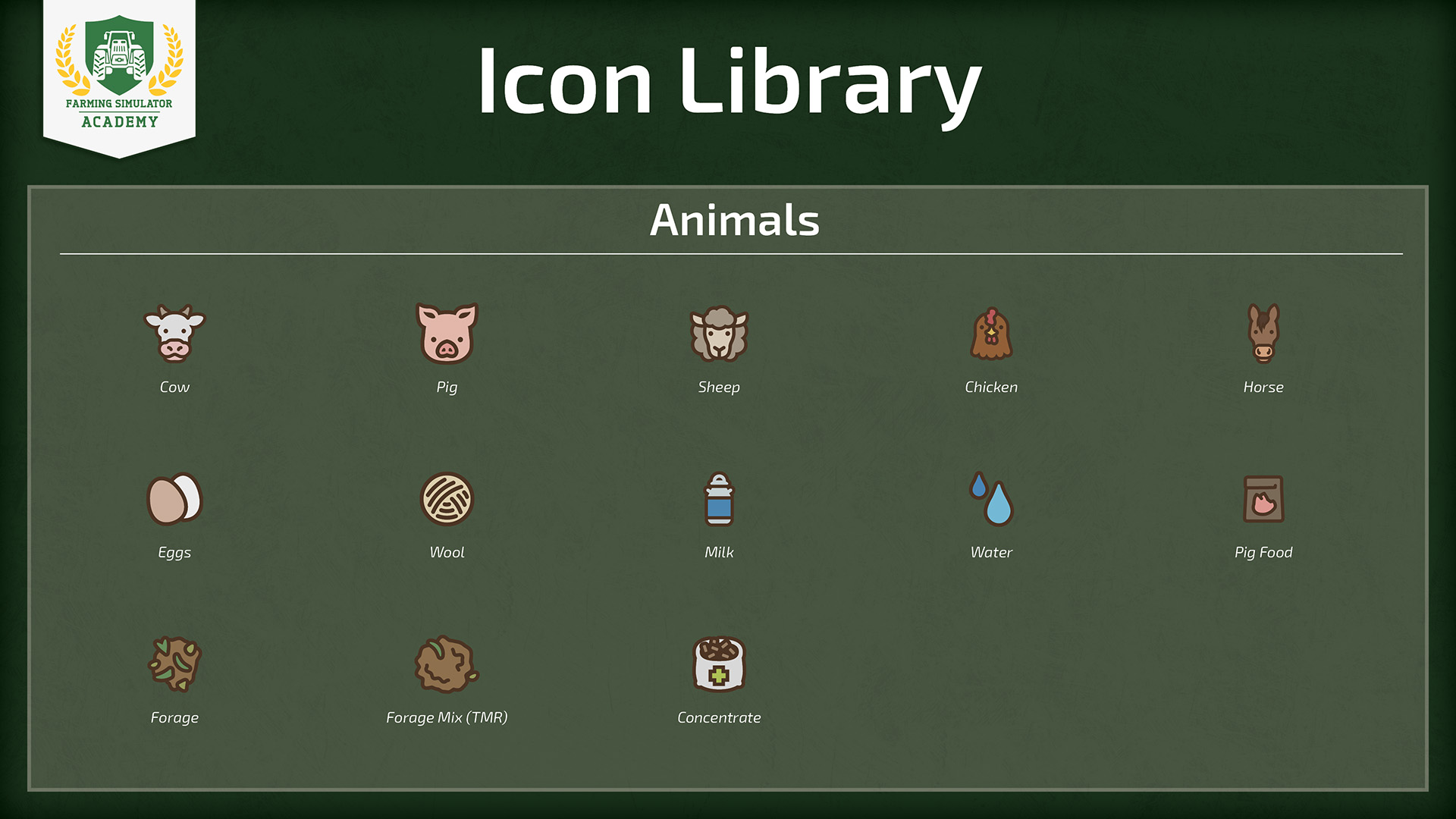
Icons associated with animals are displayed when buying animal pens via the build mode, for example. They indicate which animals they can hold, what type of resources they take in to feed the animals, and which goods they produce in return.
Keep Learning!
Stay with the Farming Simulator Academy and you become a virtual farmer in no time! We have a variety of tutorials to help you out if you're new to Farming Simulator.


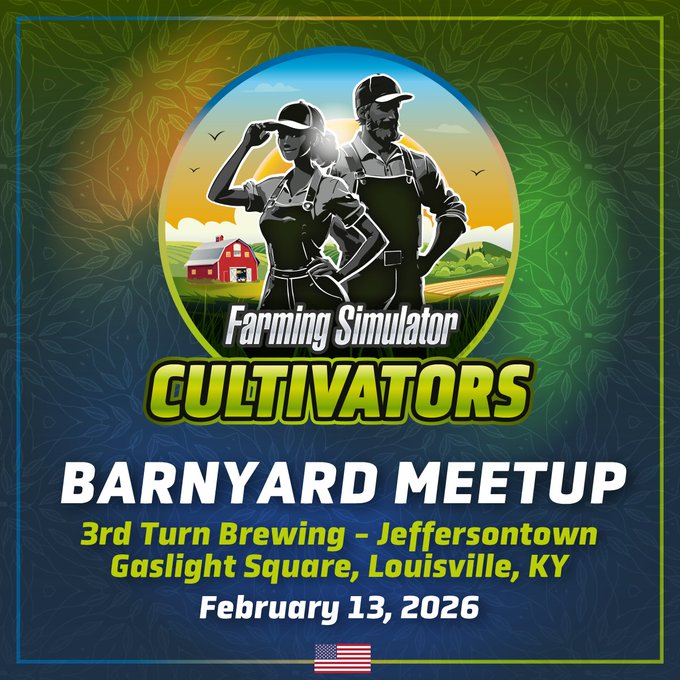
Barnyard Meetups are going global! 🌍 Join fellow virtual farmers, modders & the community at three real-life Farming Simulator meetups across the US, Brazil & Italy. Hang out with fellow farmers, chat about Farming Simulator & enjoy a great time together. 🚜 🇺🇸 Louisville, KY https://t.co/q1m4iGOXDs
🎴 Farming Simulator TRADING CARDS are now available on STEAM! 🚜 Play on Steam, collect cards, craft badges, and unlock rewards like emoticons, profile backgrounds, and more. Level up your Steam profile and show off your Farming Simulator style! 😎💚 https://t.co/xBejUPelN9

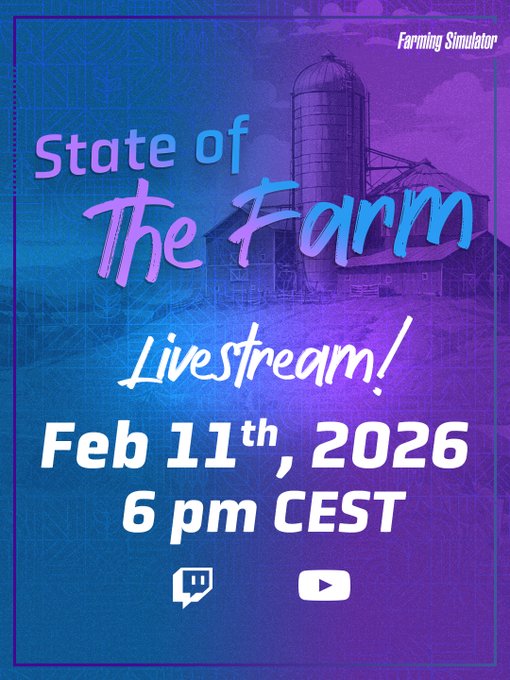
📢 We’re going LIVE! Join our State of the Farm livestream on February 11th, 2026, at 6 PM CEST on Twitch & YouTube. 🎮 Benni & a special GIANTS guest will share the latest Farming Simulator 25 news, answer your hot questions & reveal some surprises! 🚜 Don’t miss it 👇 https://t.co/TBexVgBjrF
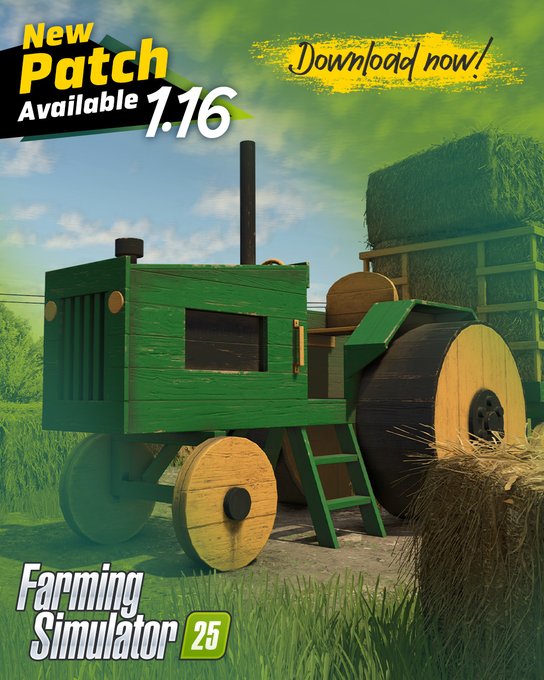
📢 Patch 1.16 is here for Farming Simulator 25! 🚜 Now available on PC & consoles, featuring visual and audio improvements, gameplay tweaks, a new harvester, windrowers, and more! 🧑🌾🌾 - Stability & performance fixes - Visual polish & adjustments - New vehicles & tools Check https://t.co/MRgPjnbIQR
Social Media


Barnyard Meetups are going global! 🌍 Join fellow virtual farmers, modders & the community at three real-life Farming Simulator meetups across the US, Brazil & Italy. Hang out with fellow farmers, chat about Farming Simulator & enjoy a great time together. 🚜 🇺🇸 Louisville, KY https://t.co/q1m4iGOXDs


